

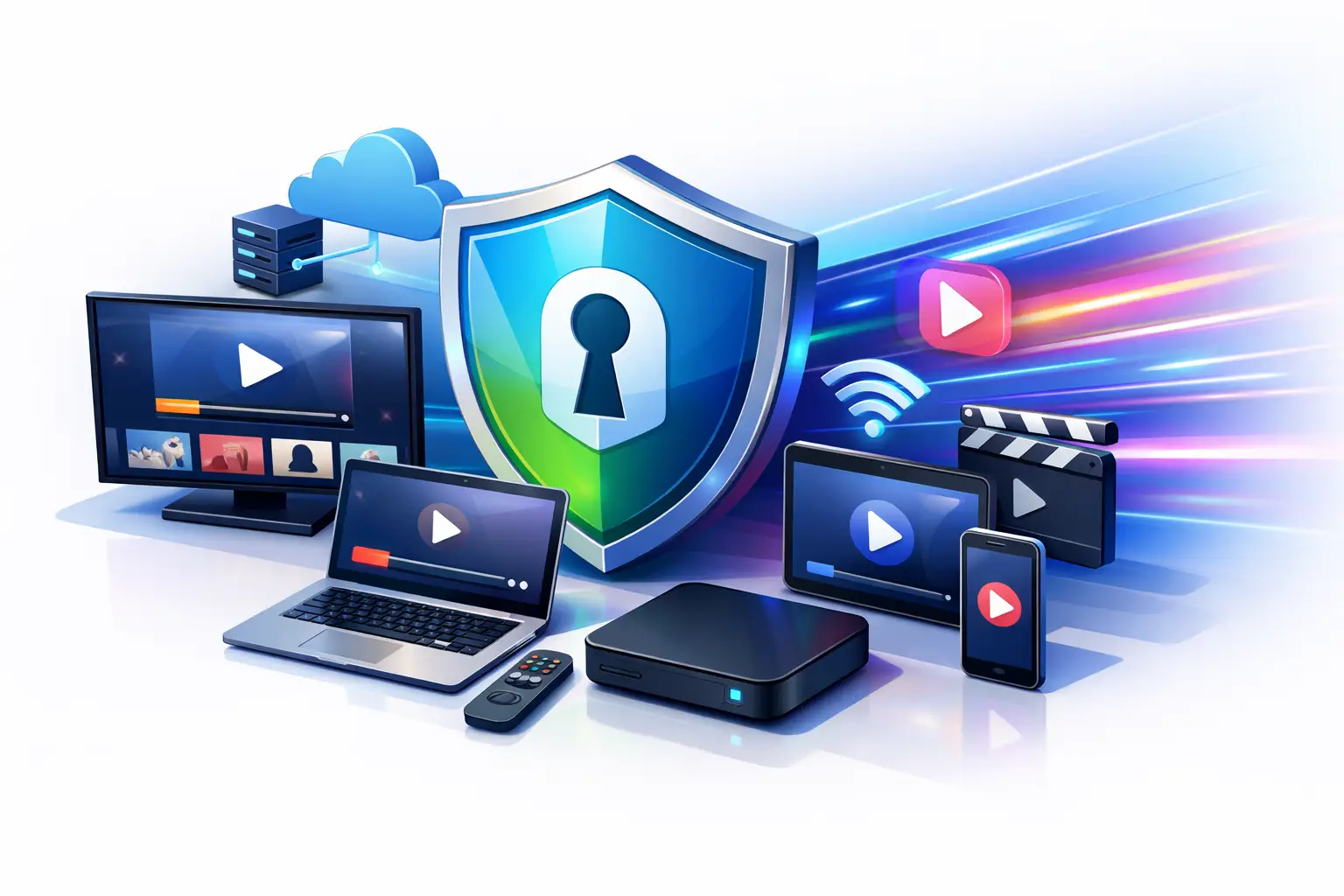
Buffering at the exact moment the plot turns is enough to make anyone question their setup. If you are looking for a fast vpn for streaming, speed matters, but raw speed alone is not the whole story. What you really need is a VPN that keeps video stable, holds quality at peak hours, and does not make you fight your own connection every time you press play.
Streaming puts a VPN under pressure fast. Video platforms are unforgiving about latency spikes, unstable routes, and overloaded servers. A service can look great on a speed test and still struggle when you try to watch live sports, a 4K movie, or a full season during evening traffic. That is why choosing the right VPN is less about chasing the biggest number and more about finding consistent performance you can trust.
What makes a fast VPN for streaming actually fast
A VPN adds a step between you and the content server. Your traffic gets encrypted, routed through a VPN server, and then sent on to the streaming platform. That extra step can reduce speed, but the best services limit the impact with better server networks, smarter routing, and efficient protocols.
Distance matters first. A server on another continent will usually be slower than one in a nearby city, even if both are technically available. The farther your data travels, the more delay you introduce. For streaming, that delay shows up as longer load times, lower resolution at startup, and more frequent drops in quality when the connection fluctuates.
Server load matters just as much. A nearby server packed with users can perform worse than a slightly farther server with more capacity. This is why automatic server switching can help in real use. It moves you away from congestion before buffering becomes your problem.
Protocol choice also shapes performance. Some VPN protocols are heavier and prioritize compatibility or older infrastructure. Others are built for speed and lower overhead. For streaming, lightweight modern protocols usually offer the best balance between privacy and usable performance.
Then there is your own network. A VPN cannot fix weak hotel Wi-Fi, overloaded coffee shop bandwidth, or a home router that is struggling to keep up with five people streaming at once. A fast VPN can protect and optimize your path, but it still depends on the quality of the connection you start with.
Why streaming performance is more than download speed
People often focus on megabits per second because it is easy to measure. But streaming quality depends on consistency. A connection that swings between fast and slow is worse than a slightly lower speed that stays steady.
Latency and jitter play a bigger role than most people expect. Latency is the delay before data starts moving. Jitter is how uneven that delay becomes over time. When both stay low, apps can maintain a stable stream. When they spike, platforms may lower the video quality to avoid interruptions. That is why one VPN server can stream in crisp HD while another forces the same show into a blurry mess, even if both appear fast on paper.
This matters even more for live content. On-demand video can buffer ahead. Live sports, news, and event streams have less room to hide instability. If your VPN route is shaky, you will feel it immediately.
How to choose a fast VPN for streaming without guessing
Start with server coverage that matches how you actually watch. If you stream mostly from home in the US, you want strong nearby options, not just a long global server list. If you travel often, broad international coverage becomes more useful because you need stable access from changing networks and locations.
Next, look for services that are built for multi-device use. Streaming rarely happens on one screen anymore. You might start on a laptop, switch to a phone, then cast to a TV or share a protected hotspot to other devices. A VPN that can extend coverage through your phone hotspot gives you more control when smart TVs, tablets, or work devices need the same protected connection.
Ease of setup matters too. The best streaming VPN is often the one you will actually keep on. If connecting takes too many steps or forces constant server hunting, people turn it off. That defeats the point. A strong service should make secure streaming feel simple, not fragile.
Finally, pay attention to how a provider handles traffic peaks. Evening congestion is where weaker VPNs fall apart. If a service offers automatic server switching, flexible data options, and infrastructure designed for sustained performance, that is a better sign than inflated speed claims alone.
The trade-offs you should expect
There is no magic setting that gives maximum privacy, maximum speed, and perfect compatibility in every scenario. Real VPN use involves trade-offs.
If you choose a server very far away for a specific region, you may gain location flexibility but lose some performance. If you prioritize the strongest encryption settings available, you may see a small speed drop on older devices. If you use public Wi-Fi in airports or hotels, your base connection may be the limiting factor no matter how good the VPN is.
That does not mean you settle for poor performance. It means you choose a service that minimizes compromise. Strong streaming VPNs give you enough speed headroom that security does not feel like a penalty. They keep the experience smooth enough that you stay protected by default, instead of turning the VPN off whenever video starts stalling.
Common reasons streaming gets slow with a VPN
Sometimes the issue is not the VPN itself. It is the combination of factors around it.
If your stream slows down, the first suspect is often the server you picked. Switching to a closer or less crowded location can make a bigger difference than restarting the app. If that does not help, test your connection on Wi-Fi versus mobile data. Local network congestion is common, especially in apartments, dorms, and shared workspaces.
Device limits can also show up in subtle ways. An older phone or budget router may struggle to maintain fast encrypted traffic while handling high-resolution video. In that case, the VPN is not necessarily slow. The device is reaching its comfort zone.
App behavior matters too. Some streaming apps cache old network states badly after you switch servers. Closing and reopening the app can clear the issue faster than repeated reconnect attempts.
What good streaming VPN performance feels like
You should not have to think about it much. The stream starts quickly. HD stays HD. 4K is realistic on a strong connection. Live events do not freeze every few minutes. Switching between phone, laptop, and tablet does not turn into a troubleshooting session.
That is the standard serious users should expect. Remote professionals, students, travelers, and everyday viewers all deal with moments when the network around them is not ideal. A good VPN gives you control back. It protects your traffic on public networks, keeps your location private, and still delivers the kind of speed that makes entertainment feel normal.
That balance is where a service like BexVPN stands out. It is built around speed, privacy, and practical flexibility, not just a basic tunnel for one device at a time. Features like hotspot VPN sharing and automatic server switching matter because they solve real streaming problems in the places people actually watch from – hotels, campuses, public Wi-Fi, temporary apartments, and crowded home setups.
Fast VPN for streaming on the devices you really use
Streaming habits are messy in real life. You may watch on a phone during a commute, on a laptop while traveling, or through a shared hotspot when a smart TV does not support native VPN apps. That is why device flexibility matters more than most comparison charts admit.
A VPN that covers only a single device cleanly is limiting. A VPN that lets you share protected access across connected devices gives you freedom. For people who move often, work remotely, or rely on mixed hardware, that is not a bonus feature. It is the difference between a VPN that fits your life and one that keeps getting in the way.
If you want better streaming performance, start simple. Choose the nearest sensible server. Use a modern protocol. Test on a stable network. Keep your app updated. If your provider offers smart switching and multi-device protection, use them. The goal is not to micromanage settings every night. The goal is to make fast, private streaming feel easy enough that you never have to choose between control and comfort.
The right VPN should let you press play with confidence, whether you are at home, in transit, or halfway across the world on someone else’s Wi-Fi.

Leave a Comment