

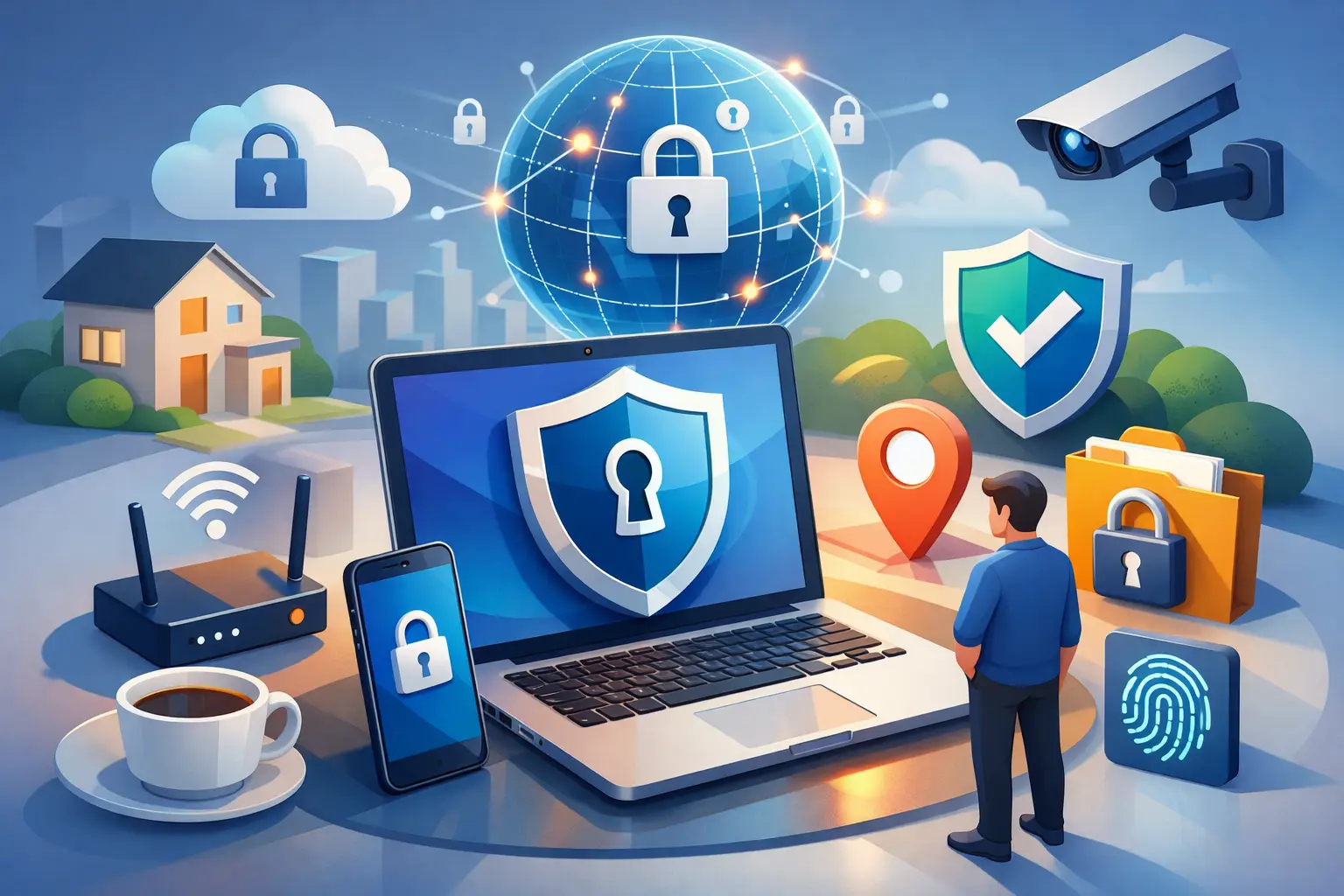
You usually find out your internet access is not secure at the worst possible moment – when you are logging into a bank account on airport Wi-Fi, sending client files from a hotel, or joining a work call on a coffee shop network that everyone else is also using. A secure internet access guide matters because internet access is no longer just about getting online. It is about staying in control while you do.
Fast connections are easy to find. Trusted connections are not. That gap is where data leaks, account takeovers, location tracking, and session hijacking happen. If you work remotely, travel often, study online, stream across borders, or just want less exposure while browsing, secure access is not a luxury feature. It is basic digital self-defense.
What secure internet access actually means
Secure internet access means your connection is protected from interception, your activity is harder to track, and your devices are less exposed to the risks that come with public or poorly configured networks. That protection usually comes from a mix of encryption, smart device habits, account security, and the right tools.
The key point is this: security is not one switch. It is a chain. If one weak link breaks – reused passwords, open Wi-Fi, outdated apps, careless sharing – the rest of your setup can still be exposed. A strong connection helps, but real protection comes from stacking the basics the right way.
For most people, the biggest threat is not some movie-style hacker targeting them personally. It is routine exposure. Unsecured networks. Apps collecting more than they need. Fake login pages. Devices auto-joining public Wi-Fi. Services logging your IP address and location. Small gaps add up quickly.
Secure internet access guide: start with your network
Your network is where most risk begins. Home Wi-Fi is safer than public Wi-Fi, but only if it is configured properly. If your router still uses the default password, old encryption standards, or outdated firmware, your “private” network may not be very private.
At home, use WPA3 if your router supports it. If not, WPA2 is still acceptable, but older standards should be replaced. Change the admin login on your router, update firmware regularly, and give your Wi-Fi a strong password that is not reused anywhere else. Convenience matters, but not when it turns your network into low-hanging fruit.
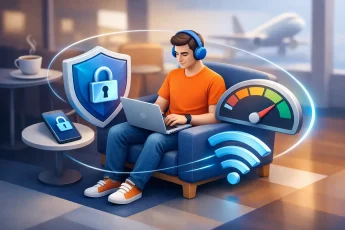
Public Wi-Fi needs a different mindset. Assume you are sharing space with strangers, and some of them may be curious, careless, or worse. Open networks in airports, hotels, cafés, campuses, and coworking spaces are useful, but they are also ideal places for snooping and fake access points. If the network does not require a password, treat it as exposed by default.
That does not mean you can never use public Wi-Fi. It means you should use it carefully. Avoid sensitive tasks on open networks unless your traffic is encrypted through a trusted VPN. Turn off automatic Wi-Fi joining. Disable file sharing when you are away from home. And if something about a network name looks suspicious, trust that instinct.
The role of a VPN in secure internet access
A VPN is one of the most practical tools in any secure internet access guide because it encrypts your internet traffic and routes it through a secure server. That makes it much harder for local networks, internet providers, and opportunistic attackers to see what you are doing.
For remote workers and frequent travelers, this is where convenience and control should meet. A VPN should not force you to choose between speed and protection. If it is too slow, unreliable, or complicated to use across devices, people stop using it. Then the protection disappears exactly when it is needed most.
A stronger approach is to use a VPN that fits real behavior, not ideal behavior. That means stable performance, easy switching between servers, and coverage that extends beyond one laptop. If you use your phone as a hotspot for tablets, work devices, or a travel laptop, VPN protection that carries through that hotspot can close a gap many users do not realize they have.
There are trade-offs. A VPN improves privacy and secures data in transit, but it does not make bad passwords safe or stop you from logging into a fake website. It can reduce tracking, but it does not erase every digital footprint. Think of it as a powerful layer, not a complete system.
Device habits matter more than people think
Security failures often come from devices, not just networks. A secure connection means less if your phone is running old software or your laptop has a browser full of risky extensions.
Keep your operating system, browser, and apps updated. Most updates are not cosmetic. They fix known vulnerabilities that attackers already understand. Delaying them for weeks because you are busy is common. It is also exactly how exposure lingers.
Be selective about what you install. Free tools, random browser add-ons, and copycat apps can quietly collect data or inject risk into your session. If an app wants broad permissions that do not match its job, pause there. Flashlight apps do not need your microphone. PDF tools do not need your contacts.
On mobile devices, use screen locks, biometric protection, and remote wipe features. Phones carry more private data than most people realize – saved logins, banking access, email, cloud files, work chats, and location history. Losing one without protection is not just inconvenient. It is an open door.
Account security is part of access security
If someone gets into your account, it barely matters how careful your network was. That is why account hygiene belongs in every secure internet access guide.
Start with unique passwords for every important account. Yes, every one. Reusing a password is still one of the fastest ways to turn one breach into five more. A password manager makes this realistic. Without one, people fall back on memory, and memory leads to repeats.
Turn on multi-factor authentication wherever it is available, especially for email, banking, work platforms, and cloud storage. Email deserves special attention because it is often the recovery path for everything else. Protect that first, and many other accounts become harder to compromise.
Phishing is where many users lose control. Attackers do not always break in. They trick you into opening the door. Watch for login pages sent by text or email, urgent account alerts, and fake verification prompts. Slow down before entering credentials, especially on a phone screen where details are easier to miss.
Secure internet access guide for travel and remote work
Travel changes your risk profile fast. The networks are less familiar, your routine is disrupted, and you are more likely to prioritize speed over caution. That is exactly when simple habits matter most.
Before you leave, update devices and confirm your security tools are active. During travel, prefer personal hotspots over unknown public networks when possible. If you need Wi-Fi in a hotel or airport, use encrypted connections and avoid logging into highly sensitive accounts unless necessary.
Remote teams should think beyond the individual user. Shared access, client data, and cross-border work create more points of exposure. A secure setup should be easy enough that everyone actually follows it. If the workflow is too clunky, people create shortcuts. Shortcuts are where security starts losing.
This is also where flexible protection has real value. A service like BexVPN can fit users who need secure access across phones, laptops, and shared hotspot connections without adding setup friction. That matters for freelancers, students, and small teams who want control without turning every login into a technical project.
Speed, privacy, and convenience – finding the right balance
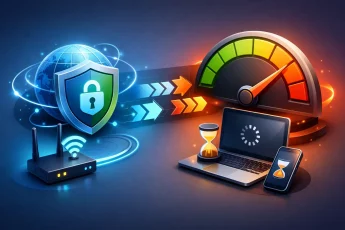
People often assume stronger security always means slower internet. Sometimes there is a small trade-off, but poor performance is not the price you should accept by default. The better question is whether your setup protects you without disrupting how you actually live and work.
If you stream, travel, work from shared spaces, or connect multiple devices daily, your security toolset has to keep up. Fast server switching, reliable encrypted access, and easy device coverage are not extras. They are part of making protection usable.
At the same time, not every user needs the exact same setup. A student on campus Wi-Fi, a developer handling production credentials, and a family sharing mobile data each have different priorities. The goal is not maximum complexity. It is the right level of protection for your real exposure.
The best secure internet habits are the ones you can keep. Protect the network. Protect the device. Protect the account. Then choose tools that give you more privacy, more control, and fewer weak spots. When secure access feels natural, you stop treating safety like a special task and start treating it like the standard.

Leave a Comment