

Private VPN for Android Phone & TV
✨ Private browsing for Android · Windows & iOS soon
Go private.
Your way.
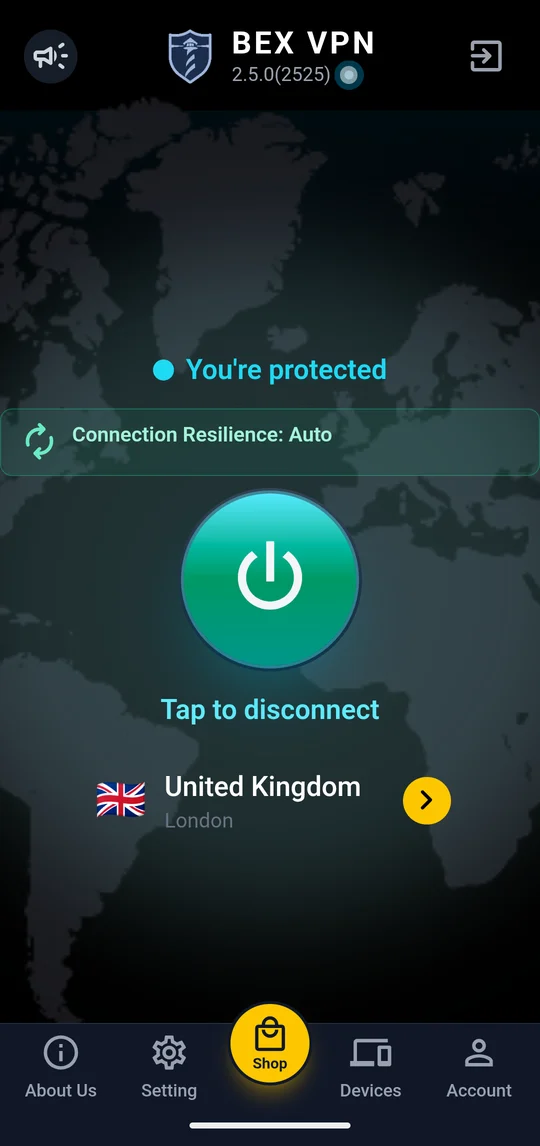
One tap and your connection is wrapped in AES-256 encryption. A no-activity-logs policy, apps for your Android phone and TV, and payment options that suit you.
7 days free, then a subscription. Cancel anytime in Google Play. Prefer card or crypto? Buy on the website.
Features
Privacy that feels good
Powerful protection, wrapped in an app that’s easy to use.
🙈
No activity logs
BEXVPN is designed not to store your browsing history or traffic content. Our Privacy Policy explains exactly what is and isn’t kept.
📺
Phone and TV
Use BEXVPN on your Android phone and Android TV. Windows and iOS apps are on the way.
🔐
AES-256 encryption
The industry-standard cipher, protecting your sessions on public Wi-Fi and mobile data.
💳
Flexible payments
Subscribe in the app with Google Play, or buy on our website or Telegram shop.
▶ Google Play💳 Card₿ Crypto⭐ Telegram Stars
On your TV
Your big screen, protected
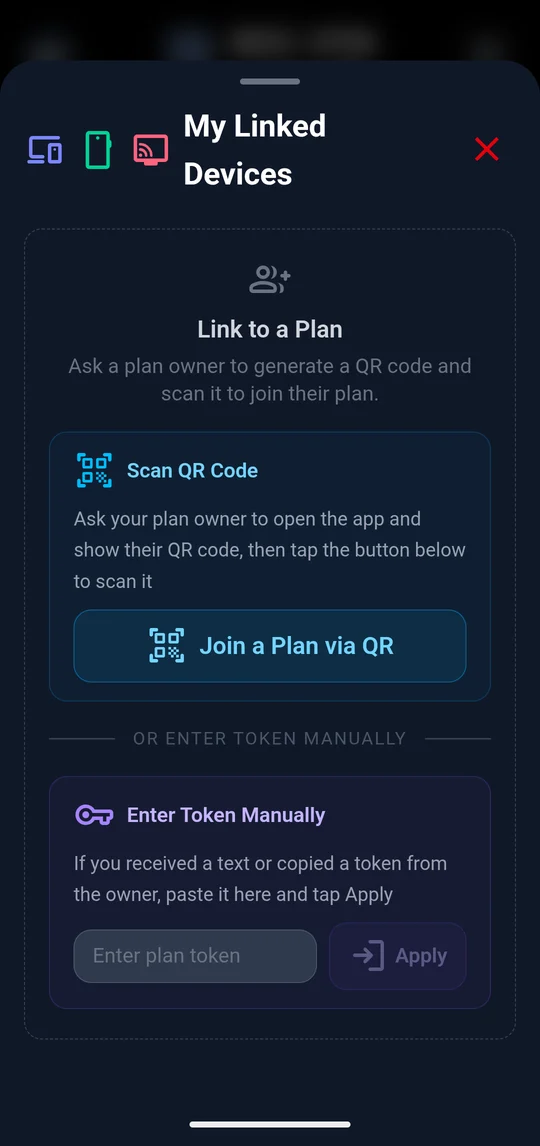
The BEXVPN TV Edition runs on Android TV. Link it to your phone account with a QR code, pick a server, and connect with your remote.
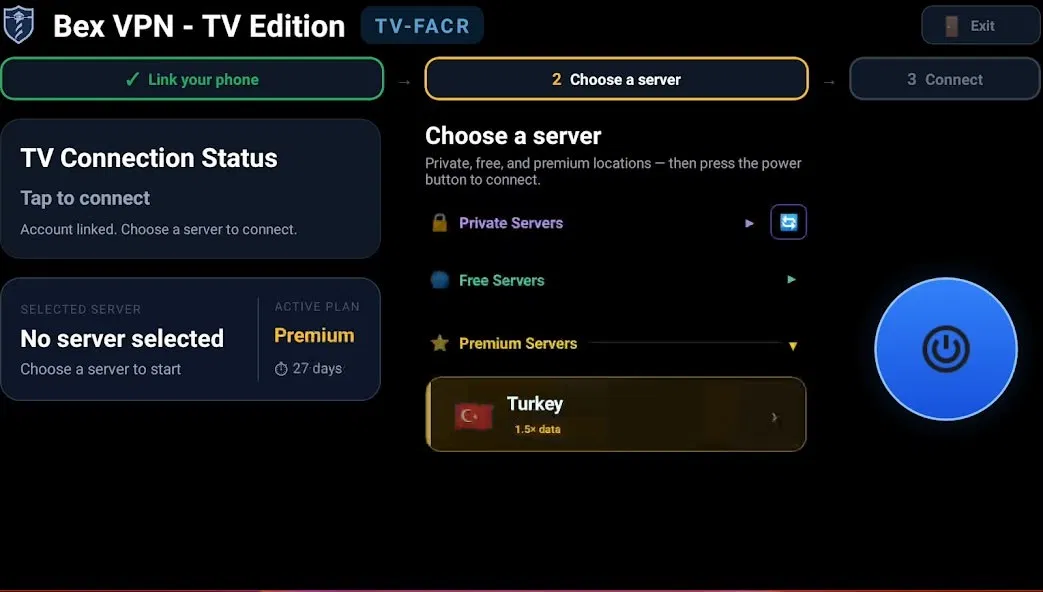
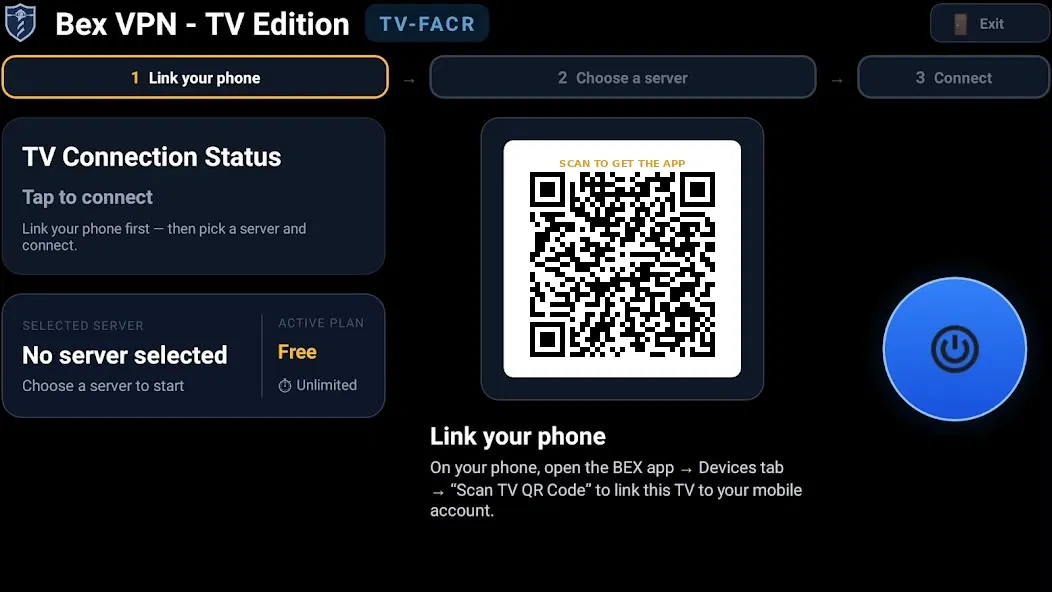
Three steps on the big screen
- Link your phone: in the BEX app, open Devices and scan the TV QR code
- Choose a server from private or premium locations
- Press the power button to connect
On your PC · Coming soon
BEXVPN for Windows is on the way
The Windows app will look and work just like the mobile app, so there will be nothing new to learn.
What to expect
- The same simple design as the mobile app
- Link it to your phone account, or buy a plan by card or crypto
- One tap to connect, just like on your phone
Available soon from our website and the Microsoft Store.
Coming soon
Plans
Pick how you pay for privacy
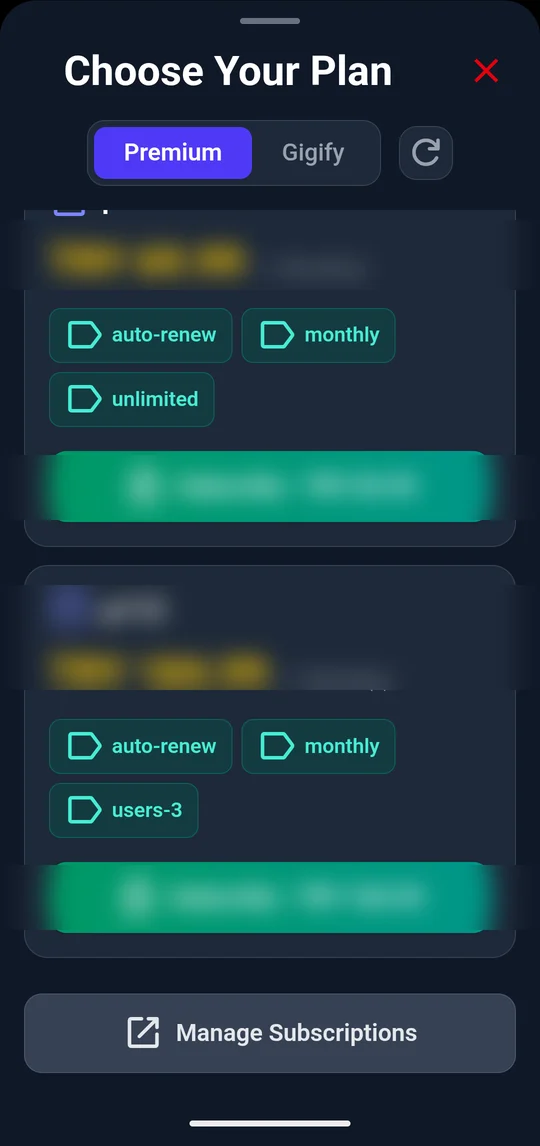
Pay for data, for time, or for a server of your own. Store prices vary by country, so you’ll see yours at checkout.
Pay by data
Gigify
Traffic packages in GB, valid for a set number of days.
- Pick the GB you need
- No subscription
Pay by time
Premium
Unlimited daily use under a fair-use policy, for one or more users.
- Monthly or yearly
- 7-day free trial on Google Play
Pay per day used
Flex
Buy a bundle of VPN days and spend them across your devices. Pay only for days you use.
Coming soon
Your own server
Private Server
A server sized for your family, team or company. Fixed monthly or yearly fee plus monthly traffic.
- For groups and businesses
Get BEXVPN
Your device, your checkout
Use the app store on your device, or pay us directly by card or crypto.
Windows
From our website and the Microsoft Store.
Coming soon
iPhone & iPad
App Store.
Coming soon
Become a BEXVPN reseller
Buy traffic in bulk and sell it in smaller packages to your own customers. Anyone can apply from their dashboard. We review each application, and once you’re approved you’ll see reseller pricing. Pay by card or crypto, or by bank transfer for orders over USD 100.
How it works
Three taps to private
1
Install
Grab BEXVPN from Google Play.
2
Start your trial
7 days free, then pick your subscription.
3
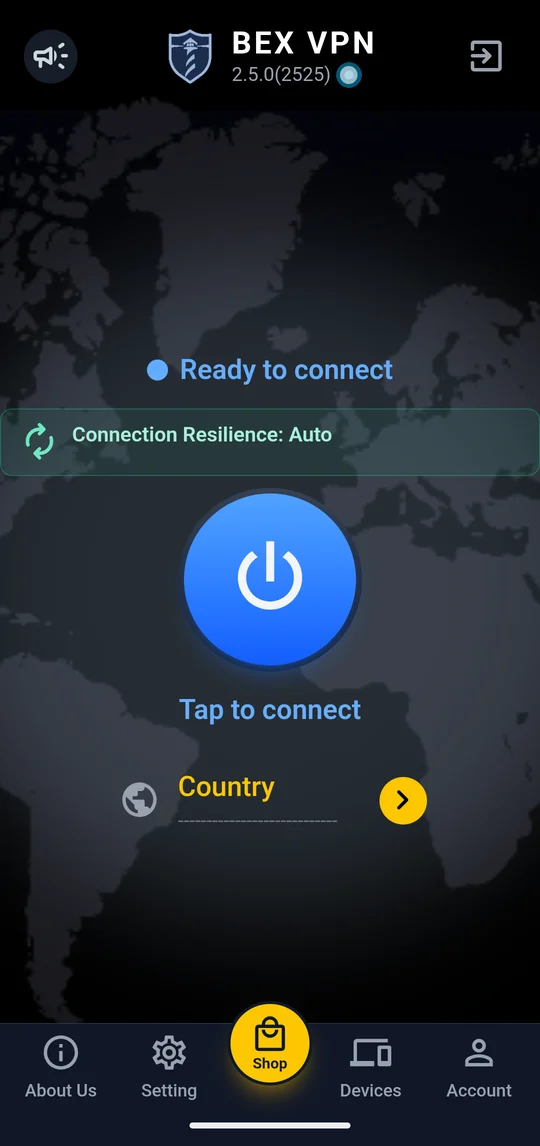
Tap connect
Your connection is encrypted in seconds.
FAQ
Good questions
🔐 AES-256🙈 No activity logs📺 Phone & TV🏢 By G1 Apps LLC
How does the free trial work?
New users get 7 days free on Google Play. After that, your subscription renews automatically unless you cancel before the trial ends.
Do you keep logs?
BEXVPN is designed not to store your browsing history or traffic content. Our Privacy Policy lists the limited technical data needed to run the service.
How can I pay?
In the Android app, through Google Play. On our website, by card (Stripe) or crypto. In our Telegram shop, by card, crypto or Telegram Stars.
How do I cancel?
In Google Play, go to Payments & subscriptions → Subscriptions → BEXVPN → Cancel.
Which devices are supported?
Android phones and Android TV, through Google Play. Windows and iOS apps are coming soon.
Which plan should I choose?
Gigify if you use a VPN now and then, Premium for everyday use, and Private Server for a family, team or business.

Ready to go private?
7 days free, then a subscription. Cancel anytime.
Prefer card or crypto? Buy on the website