

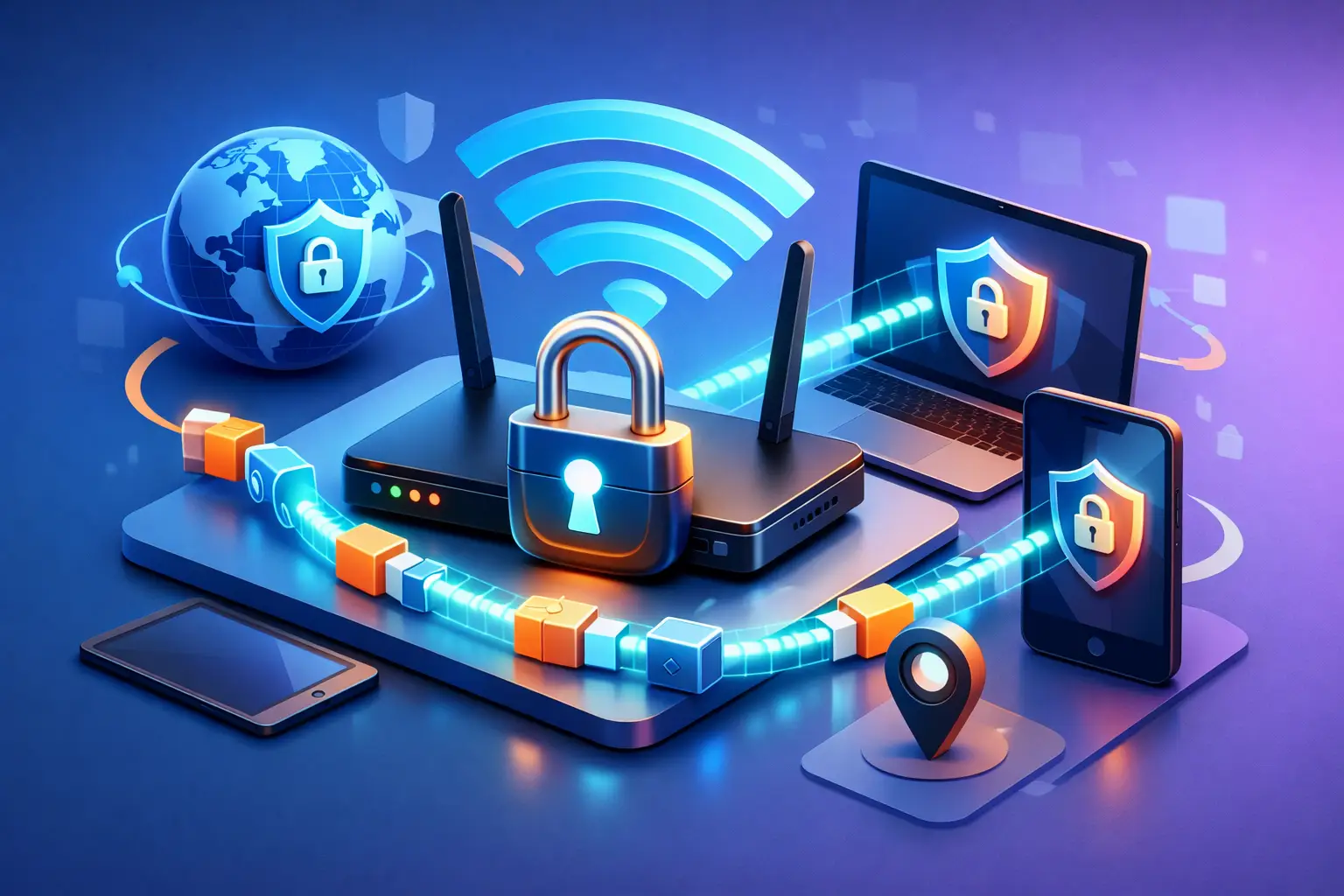
You check into a hotel, open your laptop, join the Wi-Fi, and get back to work. Fast enough. Convenient enough. Safe enough? Not really. If you want to encrypt hotspot traffic easily, you need more than a password-protected network. You need a layer that protects what your devices send and receive, especially when you are using public Wi-Fi or sharing a phone hotspot with other devices.
Hotspots are useful because they keep you connected anywhere. They are also one of the easiest places for privacy to slip. Public networks in airports, cafes, coworking spaces, and hotels are built for access, not for trust. Even personal hotspots can leave gaps if the connected devices are not protected properly. The good news is that locking down hotspot traffic does not need to be technical, slow, or frustrating.
Why hotspot traffic needs protection
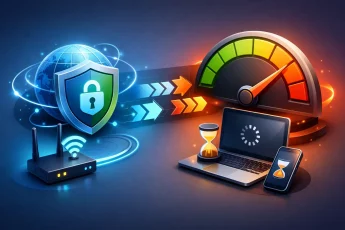
A hotspot gives you internet access. It does not automatically give you privacy. On public Wi-Fi, the biggest risks include snooping, fake access points, session hijacking, and data collection by network operators. Even when websites use HTTPS, that does not mean your entire connection is private. Your IP address, DNS requests, browsing patterns, and app activity can still reveal a lot.
Mobile hotspots are generally safer than random public Wi-Fi, but they are not magic. If you are tethering a laptop, tablet, smart TV, or work device through your phone, you still have to think about how that traffic is handled. Without encryption at the right layer, your activity can still be exposed to your carrier, network intermediaries, or apps that communicate in less secure ways.
That is the key difference people miss. A hotspot connects you. Encryption protects you.
The easiest way to encrypt hotspot traffic easily
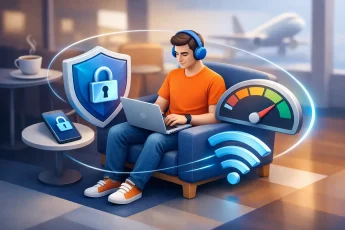
The most practical method is to use a VPN on the device creating the hotspot or on each device connected to it. A VPN encrypts your internet traffic before it leaves your device, which means anyone watching the network sees scrambled data instead of readable activity.
For most people, the easiest setup is simple. Install a trusted VPN, connect to a secure server, and then use your hotspot as usual. If the VPN supports hotspot coverage or protected hotspot sharing, connected devices can benefit too. That matters if you want one secure connection to cover more than just your phone.
This is where convenience becomes a real security feature. If protection only works on one device, people forget it, skip it, or leave something exposed. If it works across devices through a hotspot, security becomes part of how you connect every day.
Not all hotspot encryption setups work the same way
This is where trade-offs matter.
If you run a VPN only on your laptop while using coffee shop Wi-Fi, your laptop traffic is encrypted, but your phone and tablet may still be exposed unless they also use protection. If you run a VPN on your phone and then share that connection as a hotspot, some setups protect tethered traffic, but others do not pass the encrypted tunnel to connected devices in a clean way. It depends on the operating system, app behavior, and whether the VPN service is designed for hotspot use.
That is why the phrase easy matters. A setup that needs workarounds, custom routing, or constant rechecking will fail in real life. People need protection that holds up when they are moving between airports, classrooms, client calls, and hotel rooms.
How to choose a setup that actually protects you
Start with your use case.
If you mainly use public Wi-Fi on one device, installing a VPN directly on that device is the fastest route. Turn it on before signing into accounts, opening work apps, or sending files. This is enough for solo use, especially if your phone already has its own mobile protection.
If you use your phone as a hotspot for other devices, look for a VPN service that supports hotspot sharing or coverage for tethered devices. That gives you a cleaner, more reliable way to extend encrypted access beyond one screen. It is especially useful for travelers, remote workers, and students who switch between phones, laptops, and tablets all day.
If you want broad protection at home or for a small team, a router-level VPN can make sense. But that route is less friendly for beginners and can be harder to manage. It also limits flexibility when you want different locations or settings per device. For most users, app-based protection with hotspot support is the better balance of speed, simplicity, and control.
What to look for in a VPN for hotspot security
Speed matters. If encryption drags your connection down, you will stop using it. Look for a service that keeps video calls stable, streaming smooth, and downloads consistent.
Hotspot compatibility matters just as much. Some VPNs protect only the host device. Others are built to extend coverage through a hotspot. That difference decides whether your tablet, laptop, or secondary phone is actually protected or just connected.
Automatic server switching is also useful. Networks change. Signal quality changes. Congestion changes. A VPN that can keep you on a stable server without manual effort makes secure access easier to maintain.
Then there is privacy. Strong encryption is the baseline, but it should come with a clear approach to handling user activity, DNS requests, and connection reliability. Security is not just about hiding traffic. It is about reducing exposure without adding friction.
Common mistakes people make on hotspots
The first mistake is trusting the Wi-Fi password too much. A password controls access to the network. It does not guarantee privacy on the network.
The second is assuming HTTPS solves everything. It helps, but it does not cover all metadata or all app behavior.
The third is protecting only one device and forgetting the others. If your laptop is secured but your tablet logs into email over the same hotspot without protection, you still have a weak point.
The fourth is turning the VPN on after you have already connected and started browsing. If you are using an untrusted network, protection should start first.
Encrypt hotspot traffic easily without slowing your day down
The best security habits are the ones you will actually keep. That means choosing a setup that starts fast, stays stable, and does not force you to babysit it.
For a traveler, that may mean opening a VPN app before joining hotel Wi-Fi. For a freelancer, it may mean running protected hotspot sharing from a phone during client meetings on the road. For a student, it may mean securing campus Wi-Fi across a laptop and tablet without managing separate tools on every session.
This is where BexVPN fits naturally for users who want speed, privacy, and control without a long setup process. The value is not just encryption. It is being able to move between devices and networks without losing protection or momentum.
When hotspot encryption matters most
It matters any time your connection is outside your control. Public Wi-Fi is the obvious case, but it also matters when traveling internationally, working remotely from temporary locations, accessing sensitive files, handling school portals, using payment apps, or streaming on networks that collect more data than you would like.
It matters even more when your hotspot becomes a mini network for multiple devices. Once you start sharing connectivity, you are not just protecting one session. You are protecting an environment.
That is the shift worth making. Stop thinking of hotspot security as a technical extra. Think of it as basic control over your internet access.
The smart approach: simple, consistent, protected
You do not need to become a network engineer to stay private on the move. You need a setup that works every time you connect. Encrypt first. Connect with intention. Use tools that protect more than one screen when your day depends on more than one screen.
The easiest security win is often the one people postpone because they expect complexity. Hotspot encryption should not feel complicated. It should feel automatic, fast, and worth trusting. When your work, messages, searches, and logins travel with you, your protection should too.
Next time you connect through a hotspot, do not settle for internet access alone. Make sure your traffic is yours.

Leave a Comment