

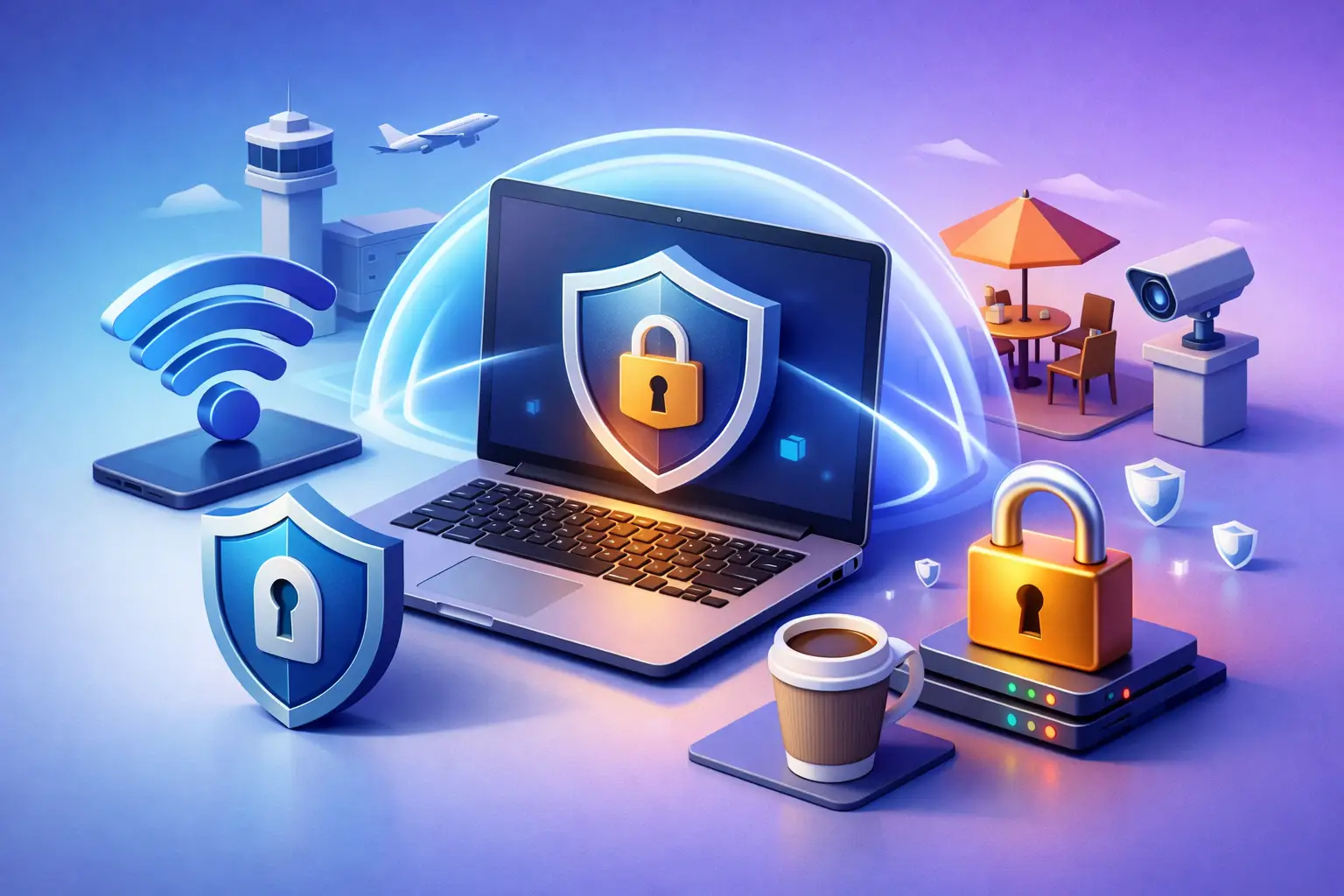
That airport login screen looks harmless until you remember how much of your life moves through public networks. Email, banking alerts, client files, class portals, cloud apps, messages – one weak connection can expose more than most people realize. If you are searching for the best vpn for public wifi security, the real question is not which app has the flashiest homepage. It is which service gives you control when the network around you deserves none of your trust.
What makes the best VPN for public WiFi security?
Public WiFi is convenient, but it is not built around your privacy. Coffee shops, hotels, airports, coworking spaces, and campus networks are optimized for access, not defense. Some are poorly configured. Some are overloaded. Some collect more data than users expect. And some can be impersonated by fake hotspots that look close enough to the real thing to fool people in a hurry.
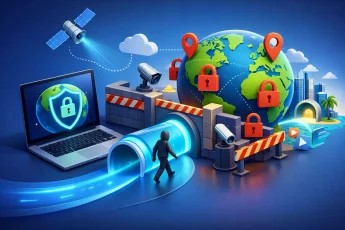
A VPN matters here because it creates an encrypted tunnel between your device and the internet. That keeps other people on the same network from easily seeing what you are doing. It also helps reduce the exposure of your IP address and browsing activity to the network operator. For remote workers, students, travelers, and anyone handling sensitive logins on shared networks, that is not a luxury feature. It is basic protection.
But not every VPN earns the label. The best option for public WiFi security should do more than turn on encryption and hope for the best. It should connect fast, stay stable, and protect you automatically when you move between weak or unpredictable networks.
Security is the floor. Reliability is what makes it usable.
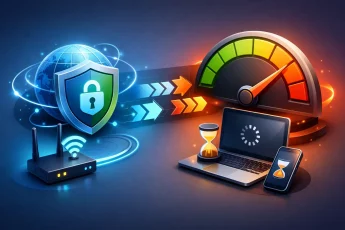
A lot of VPN content stops at encryption. That is only half the story. If your VPN drops every time you walk from the hotel lobby to your room, or slows down so much that you disable it to join a video call, it has already failed the real-world test.
The best vpn for public wifi security needs a strong security core, but it also needs practical resilience. Look for a service with a kill switch so your traffic is not exposed if the connection cuts out. Automatic connection on unsecured networks is another major advantage, especially if you connect to public hotspots often and do not want to remember to switch protection on manually every time.
Fast server performance matters too. People do risky things when tools feel slow. They skip the VPN for quick logins, disable it to stream, or forget to reconnect after an interruption. Good protection should not feel like a penalty.
The features that actually matter on public networks
Encryption is expected. What separates a strong VPN from an average one is how it handles the messy conditions of public access points.
Automatic server switching can be a real advantage when a network becomes unstable or congested. Public WiFi is rarely consistent. One minute it works, the next it stutters under load. A VPN that adapts without making you troubleshoot every interruption keeps your protection active in the background.
DNS leak protection is another detail worth paying attention to. Even if your main traffic is encrypted, leaks can still reveal pieces of your browsing activity. For travelers and privacy-focused users, that gap matters.
Device flexibility also matters more than many people expect. You may protect your laptop and phone individually, but what about the tablet, a work device, or a second phone? Better yet, what about using your phone as a protected hotspot so connected devices ride through the same encrypted connection? That kind of coverage is especially useful on the move, where public WiFi may be the only option and setup time is limited.
That is one place where a service like BexVPN stands out. It is built around protection, speed, and practical control, including hotspot VPN coverage that can extend protection to connected devices without turning setup into a project.
Free WiFi does not mean safe WiFi
People often assume public WiFi is dangerous only if they are doing something obviously sensitive, like checking a bank account. That is too narrow. Session cookies, email access, saved passwords, cloud dashboards, messaging apps, and account recovery flows can all become valuable targets. Even if a site uses HTTPS, your broader metadata and connection behavior can still say more than you want shared.
There is also the issue of spoofed networks. A fake hotspot named something like Hotel Guest WiFi 2 or Cafe Free Internet can pull in users who are moving fast and not looking closely. Once connected, a bad actor does not need to break strong encryption on your banking app to cause problems. Sometimes collecting browsing patterns, login attempts, or device details is enough.
The best defense is not paranoia. It is good habits backed by the right tool. A VPN helps close off easy opportunities for surveillance and interception, especially on networks you did not configure and cannot verify.
How to choose the best VPN for public WiFi security
Start with your actual use case. If you travel often, speed and server availability across regions matter more because hotel and airport networks are already unpredictable. If you work remotely, stability during calls, file uploads, and app logins should be high on your list. If you are a student or freelancer moving between campus, cafés, and shared spaces, fast reconnection and mobile ease may matter most.
Then look at how the provider balances privacy and convenience. Some VPNs are secure but awkward. Others are easy to use but too thin on critical protections. The sweet spot is a service that gives you strong encryption, leak protection, dependable speeds, and automatic behavior that reduces human error.
It also helps to think beyond one device. Public network risk does not stop at your laptop. If your phone, tablet, or secondary device is part of your daily workflow, your VPN should support that reality without making you pay in complexity.
Finally, consider whether the service fits your routine, not just a lab test. A VPN can have strong specs on paper and still feel frustrating if the app is clunky or the connection flow is slow. The best choice is one you will actually keep on.
Trade-offs are real, and honest buyers should expect them
There is no perfect VPN for every person in every context. Higher encryption and stronger routing can introduce some speed loss, though the best providers keep it minimal. The nearest server is not always the best one if the local network is unstable. Features like automatic switching are helpful, but some users may prefer manual control.
There is also a difference between privacy and anonymity. A VPN improves privacy on public WiFi, but it does not make reckless behavior safe. If you reuse passwords, ignore phishing attempts, or install untrusted apps, a VPN will not erase those risks.
That is why smart buyers think in layers. Use the VPN, keep software updated, verify the network name, enable multi-factor authentication, and avoid logging into critical accounts on suspicious networks when possible. Public WiFi security is strongest when the tool and the habit work together.
Who benefits most from a VPN on public WiFi?
If you work from airports, lounges, and hotels, the answer is obvious. But the benefit reaches much wider. Students using campus and apartment networks, creators uploading from cafés, developers checking infrastructure on the go, and everyday users streaming or shopping from shared access points all have something to protect.
The more mobile your life is, the less sense it makes to trust every network you touch. A strong VPN gives you consistency when the environment is not consistent. It puts you back in control of your connection, which is exactly what public WiFi takes away.
The real standard: protection you do not have to fight with
When people ask for the best vpn for public wifi security, they are usually asking for peace of mind without friction. They want protection that starts fast, stays on, and does not collapse when the network gets crowded. They want privacy that works in motion – at the gate, in the café line, in the hotel room, between meetings, between classes, between time zones.
That is the standard worth using. Not flashy claims. Not endless feature lists. Real security, real speed, real control.
The next time your device sees an open network and offers to connect, remember this: convenience is everywhere. Trust is not. Choose a VPN that treats that difference seriously, and public WiFi becomes a lot less public where it counts.

Leave a Comment