

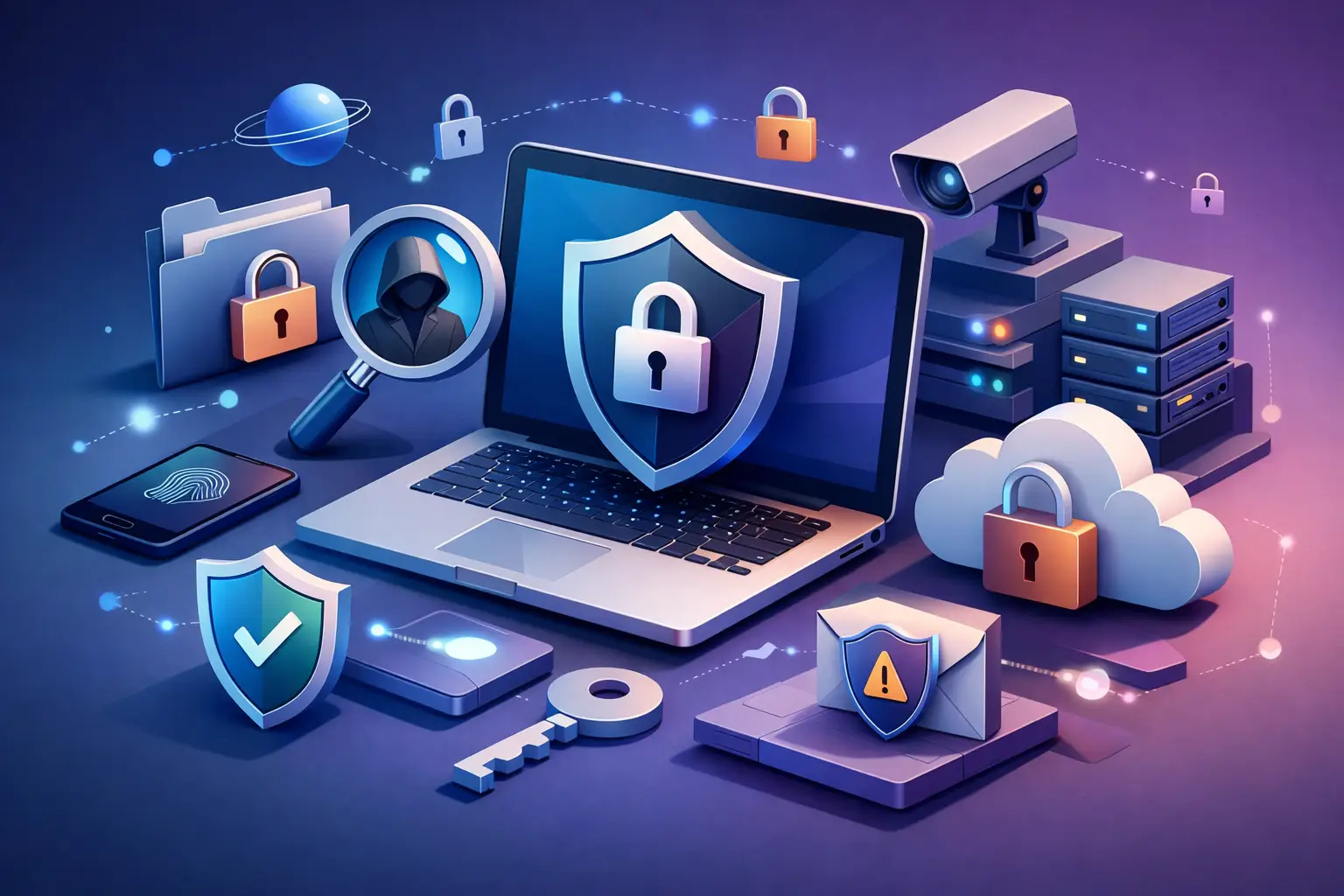
You connect to airport Wi-Fi, open your email, check your bank app, and maybe upload a work file before boarding. It feels routine. But that ordinary moment explains exactly what online privacy protection is: the set of tools, habits, and safeguards that keep your personal data, activity, identity, and location from being exposed, tracked, sold, or stolen when you use the internet.
That definition matters because privacy online is not just about hiding. It is about control. Control over who sees your information, how long they keep it, what they do with it, and whether strangers, advertisers, platforms, internet providers, or attackers can build a profile around your life.
What Is Online Privacy Protection in Real Terms?
If the phrase sounds broad, that is because it is. Online privacy protection covers everything that reduces unwanted visibility into your digital behavior. That includes protecting your passwords, securing your connection, limiting app permissions, blocking trackers, avoiding data leaks, and using encrypted services when your traffic passes through networks you do not fully trust.
For most people, privacy risk does not come from one dramatic breach. It comes from constant low-level collection. Websites log your visits. Apps request access to your contacts, microphone, or location. Ad networks follow you across pages. Public Wi-Fi can expose your traffic if you are careless. Over time, those fragments become a detailed picture of who you are, what you buy, where you go, and what matters to you.
That is why online privacy protection is not a single switch you turn on once. It is a layer-by-layer approach.
Why Privacy Protection Matters More Than People Think
A lot of users assume, “I have nothing to hide.” That misses the point. Privacy is not about secrecy for its own sake. It is about keeping power in your hands.
When your data is widely accessible, other people get to make decisions about you. Advertisers shape what you see. Data brokers package your behavior. Scammers use personal details to impersonate you. Employers, platforms, or unknown third parties may draw conclusions from incomplete or outdated information. Even something as simple as your browsing history can reveal health concerns, financial stress, political views, travel plans, or client work.
There is also a practical side. Weak privacy often leads directly to security problems. If attackers can collect enough details about you, they can target phishing messages more convincingly, reset accounts, or exploit reused passwords. Privacy and security are not identical, but they work together.
For remote workers, students, freelancers, and travelers, the stakes are even higher. You are often switching networks, devices, and locations. Convenience goes up. So does exposure.
What Online Privacy Protection Actually Includes
At a basic level, privacy protection starts with identity protection. That means keeping login credentials, financial details, personal documents, and private communications away from people who should not have them.
It also includes network protection. When you browse on public or shared networks, your connection can be vulnerable to interception or monitoring. Encryption helps prevent outsiders from reading your traffic in transit.
Then there is tracking protection. Many companies do not need to steal your data to profit from it. They just need permission buried in app settings, cookies, device identifiers, and account activity. Privacy protection means reducing that passive collection wherever possible.
Finally, there is behavioral protection. Your own decisions matter. Clicking suspicious links, oversharing on social media, reusing passwords, and installing low-trust apps can undo a lot of technical safeguards.
The Biggest Threats to Your Online Privacy
Some risks are obvious, like hackers on public Wi-Fi. Others are built into the normal internet experience.
Tracking is one of the biggest. Advertising networks, analytics tools, cookies, and device fingerprinting methods can follow your activity across multiple sites and apps. Even if your name is not attached right away, the profile becomes more accurate over time.
Data harvesting is another. Many free apps and services collect far more information than they need because data itself is valuable. Your contacts, location history, search behavior, and usage patterns can all become part of a larger commercial profile.
Weak account security is still a major issue. If one password is reused across services, a single breach can open multiple doors. That is not only a security problem. It is a privacy collapse.
Unsecured networks remain a real threat too. Coffee shops, hotels, airports, and coworking spaces are convenient, but you do not control who else is on those networks or how they are configured.
Where a VPN Fits In
A VPN is not the entire answer to online privacy, but it is one of the most useful pieces. It encrypts your internet connection and routes your traffic through a secure server, which helps protect your activity from local network snooping and can reduce direct exposure of your IP address.
That matters when you are using public Wi-Fi, working remotely, traveling, or simply trying to limit how much of your activity is visible to your internet provider or nearby attackers on a shared network.
There are limits, though. A VPN does not make you anonymous in every context. If you log into personal accounts, share private details voluntarily, or use apps that collect data aggressively, a VPN cannot erase those choices. It also does not replace strong passwords, secure browsers, careful permission settings, or common sense.
Still, for users who want more control without adding a lot of friction, it is one of the fastest upgrades you can make. That is why services like BexVPN focus on both protection and practical use across devices, especially for people who move between networks all day.
What Is Online Privacy Protection Without Good Habits?
Not much. Tools matter, but habits decide whether those tools work.
Start with passwords. Every important account should have a unique password, and a password manager makes that realistic. Add multi-factor authentication wherever possible, especially for email, banking, cloud storage, and work apps.
Next, review app permissions. Many apps ask for access they do not truly need. If a flashlight app wants your contacts or a shopping app always wants your location, that is a signal to push back.
Browser hygiene matters too. Use privacy-focused settings, limit third-party cookies, and be selective about extensions. Ironically, some browser add-ons collect data themselves.
You should also think before connecting. Public Wi-Fi is useful, but not every network is trustworthy. If you are handling work documents, financial logins, or personal records, use protected connections and avoid treating unknown networks like your home internet.
Privacy Is Not the Same for Everyone
This is where the conversation gets more honest. The right level of online privacy protection depends on your risk.
A college student streaming on campus Wi-Fi, a freelancer sending client contracts from a hotel, and a developer managing production access from another country do not face exactly the same threats. One person may care most about blocking ad tracking. Another may need to secure business communications on the road. A journalist, activist, or executive may have much higher stakes.
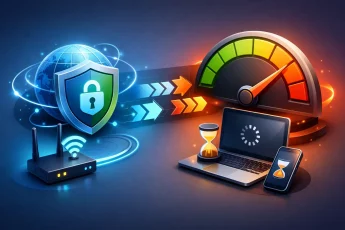
There are trade-offs too. More privacy can sometimes mean more friction. Stricter browser settings may break certain websites. Extra authentication steps take time. Some privacy tools can affect speed depending on server distance or configuration. The goal is not perfection. It is sensible control that matches how you actually live and work online.
How to Know If Your Privacy Is Too Exposed
You usually see the warning signs after the fact. Highly targeted spam, strange login alerts, excessive location prompts, apps that know too much, and ads that follow you everywhere are all clues that your data trail is wider than you think.
Another sign is dependency on trust alone. If your setup assumes every app is honest, every network is safe, and every company handles your data responsibly, you are giving away control by default.
A stronger approach is simple: assume some level of collection is always happening and reduce it where you can.
Taking Back Control Online
Online privacy protection is not about disappearing from the internet. It is about deciding what others get to know, track, store, and profit from. That shift changes everything. Instead of being passively exposed, you become intentional.
The strongest privacy setups are usually not the most complicated. They are the most consistent. Secure your accounts. Limit permissions. Use encrypted connections. Be careful on shared networks. Choose services that respect control, not just convenience.
The internet works best when you are free to use it without feeling watched at every step. Start there, build one layer at a time, and keep the advantage where it belongs – with you.


Leave a Comment