

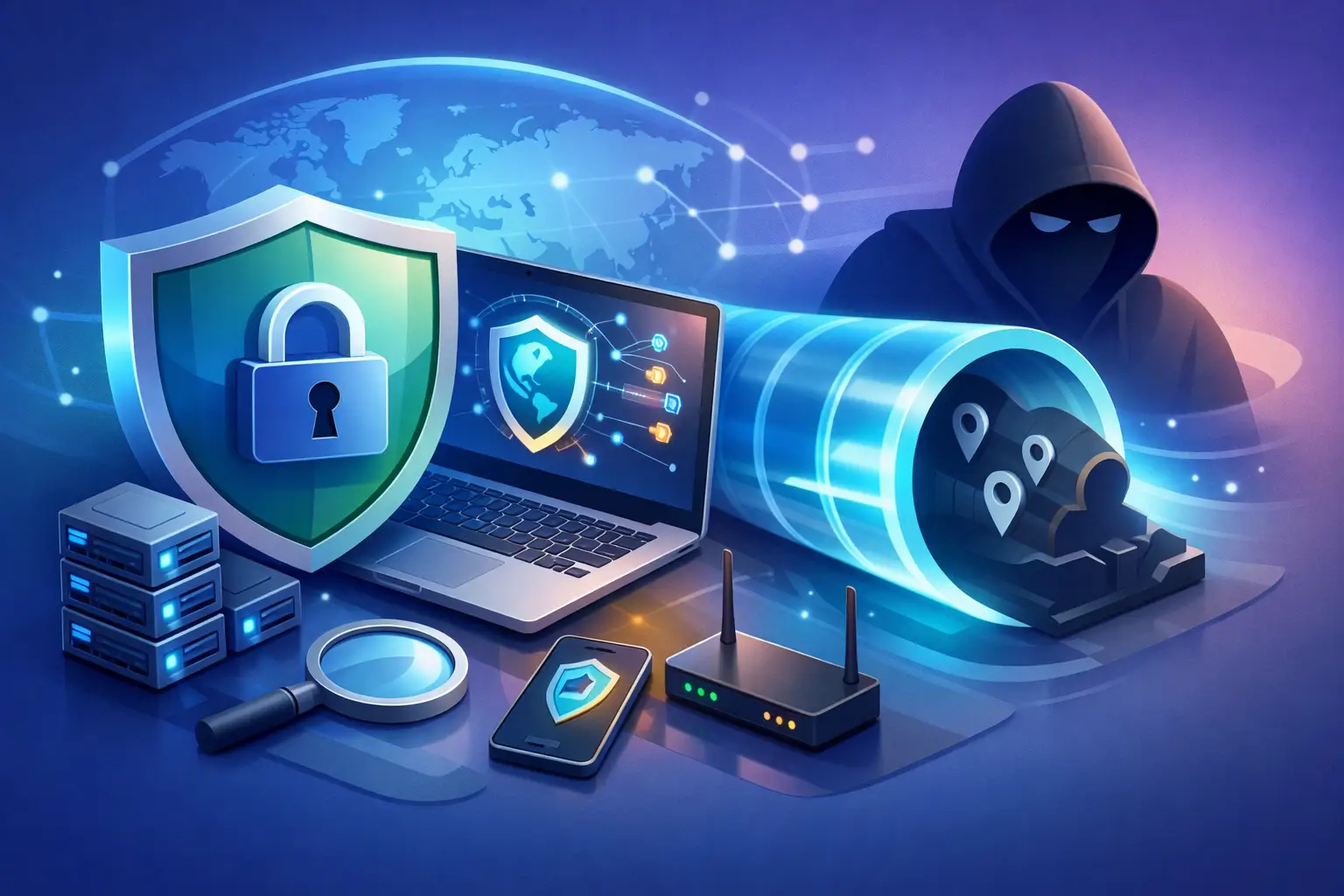
You connect to hotel Wi-Fi, open your banking app, and wonder who can see where you really are. That is the moment this question matters: can vpn hide ip address information well enough to protect your privacy? The short answer is yes, a VPN can hide your public IP address from the sites and services you use, but it does not make you invisible, and the difference matters.
Can VPN hide IP address information completely?
A VPN changes the way your internet traffic appears to the outside world. Instead of websites seeing the IP address assigned by your internet provider, they see the IP address of the VPN server you connected to. That means your home, office, or mobile network IP is masked from the destination.
This is the core privacy benefit. Your real public IP stops being the obvious identifier attached to every request you make online. If you switch from a local server to one in another city or country, websites will usually read that VPN server location instead of your actual one.
But complete privacy is a bigger claim than most people realize. A VPN hides your IP address from websites, advertisers, app services, and many network observers. It does not automatically hide everything else that can identify you, such as logged-in accounts, browser fingerprinting, cookies, or the fact that you are using a VPN in the first place.
So the accurate answer is this: a VPN hides your real public IP address very effectively, but not your full identity by itself.
What a VPN actually does when you go online
Think of your IP address as the return address attached to your internet traffic. Without a VPN, your internet service provider assigns that address, and websites can use it to estimate your location, apply restrictions, and log activity tied to that IP.
When you turn on a VPN, your traffic is encrypted and routed through the VPN server first. The site you visit sees the VPN server as the source. Your ISP can still see that you connected to a VPN, but it cannot easily inspect the contents of your encrypted traffic. The website can see your activity on its own platform, but it no longer sees your original IP.
That shift gives you more control. It reduces direct exposure on public Wi-Fi, helps prevent easy location-based tracking, and can make it harder for third parties to build a clean profile around your home network IP. For travelers, remote workers, students, and anyone dealing with geo-blocks or unsafe networks, that is not a small win. It is practical protection.
What a VPN hides and what it does not
This is where people either overestimate VPNs or underestimate them.
A VPN does hide your public IP from most websites and apps. It also hides that IP from people on the same local network, which matters on airport, hotel, café, or campus Wi-Fi. And it can prevent your ISP from having a direct view of the websites you access in plain terms, because your traffic is encrypted through the VPN tunnel.
What it does not hide is just as important. If you sign into your Google, Apple, Meta, or Amazon account, those platforms still know it is you. If a website has tracking cookies in your browser, it can still recognize you across visits. If your browser leaks information through fingerprinting techniques, a VPN does not erase that by itself. And if your device is infected with malware, a VPN will not fix that problem.
There is also DNS leakage and WebRTC leakage to consider. If your setup is poor, some requests can reveal network details outside the VPN tunnel. That is why the quality of the VPN service and the app configuration matter. A weak VPN can promise privacy and still leave gaps. A serious provider is built to close them.
Why websites still seem to know where you are
People often turn on a VPN, visit a website, and get confused when the site still shows the right city, local language, or nearby recommendations. That does not always mean the VPN failed.
Websites use more than IP addresses to estimate location. They can read browser language, time zone, GPS permissions on mobile devices, account history, and cached data from previous sessions. If you allowed location access in an app, that app may know your precise location even though your IP is masked.
Streaming and shopping platforms are especially aggressive here. They combine account data, payment region, device settings, and prior behavior. So if you are asking can vpn hide ip address data, the answer stays yes. If you are asking whether it hides every possible location signal, the answer is no.
That is not a weakness unique to VPNs. It is just how modern tracking works.
When hiding your IP address matters most
Not every internet session needs the same level of protection. But some situations raise the stakes fast.
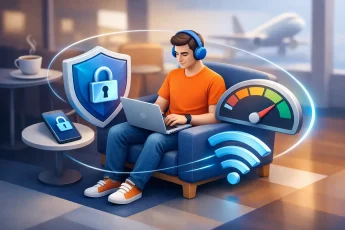
Public Wi-Fi is one of them. On unsecured or poorly managed networks, exposing your direct IP and unencrypted traffic can make you easier to monitor or target. A VPN adds a critical layer between your device and the network around you.
Travel is another. If you are moving between airports, hotels, coworking spaces, or mobile hotspots, your IP changes constantly and your attack surface grows. Routing through a trusted VPN server gives you a more stable privacy layer while you move.
It also matters for remote work, freelancing, and research. If you handle client files, log in from shared spaces, or need to reduce location-based profiling, masking your IP is a practical control, not a luxury. The same goes for users who simply do not want every site, app, and ad network tying activity back to their home connection.
The trade-off: privacy, speed, and trust
A VPN is not magic. There are trade-offs, and smart users should know them.
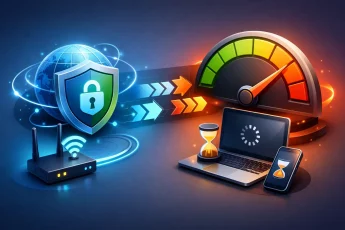
First, speed can change. Good VPNs minimize the impact, but encryption and rerouting traffic add some overhead. The quality of the provider’s server network, routing logic, and app design makes a big difference. Fast infrastructure matters because privacy tools only work long term if people actually want to keep them on.
Second, trust shifts. Without a VPN, your ISP sits in the middle. With a VPN, the provider becomes part of the path. That does not mean all VPNs are equal. It means choosing the right one matters. You want strong encryption, reliable leak protection, stable performance, and a service designed around user control rather than vague promises.
Third, some services flag VPN traffic. Banking sites, streaming platforms, and login systems may trigger verification checks when they see traffic from shared VPN IPs. That can be inconvenient, but it is not unusual. Privacy and friction sometimes meet in the same place.
How to make IP masking more effective
If your goal is real-world privacy, not just a technical box checked, your setup matters.
Start with a VPN that has leak protection and a kill switch. If the VPN connection drops and your device quietly reconnects through your regular internet path, your real IP can be exposed. A kill switch helps stop that.
Next, pay attention to device permissions. If your browser or apps have direct location access, a masked IP will not stop them from identifying where you are. Review those permissions, especially on mobile.
Then clean up the basics. Private browsing, cookie management, and separate browser profiles can reduce the amount of tracking that survives beyond your IP address. If you stay logged into every major platform all day, hiding your IP helps, but it does not fully separate your identity from your activity.
For users who need flexible protection across devices, hotspot-level VPN coverage can be especially useful. Instead of protecting one phone or laptop at a time, you extend the VPN connection to devices sharing that hotspot. That keeps privacy practical, which is exactly the point. BexVPN leans into that kind of control because modern users do not live on one device.
So, can vpn hide ip address details enough to matter?
Absolutely. For most users, a VPN is one of the fastest and most effective ways to hide a real public IP address from websites, apps, and local networks. It gives you a different visible identity online, encrypts your traffic in transit, and puts distance between your activity and your personal connection.
Just do not confuse hiding your IP with disappearing. Your accounts, browser behavior, device settings, and permissions still shape what companies can learn about you. Privacy is stronger when the tools work together.
If you want more control online, hiding your IP is a smart first move. Not because it solves everything, but because it closes one of the most obvious doors people leave open every day.

Leave a Comment