

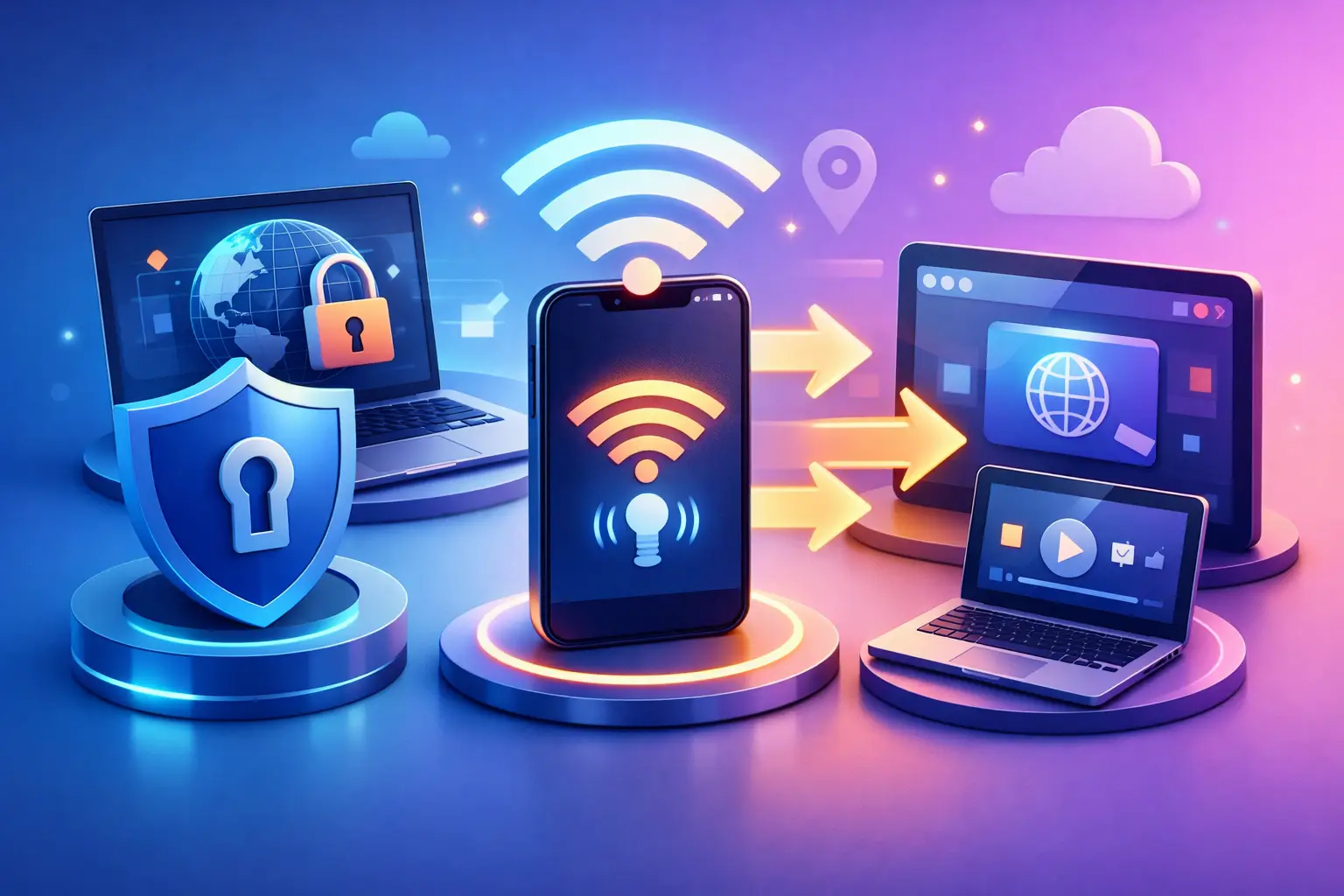
Your laptop is protected. Your tablet, smart TV, or second phone is not. That gap matters more than most people realize, and it is exactly why people ask how to share VPN through hotspot instead of running protection on one device at a time.
When you turn one device into a hotspot, you are effectively making it the gatekeeper for everything connected to it. If the VPN is shared correctly, those devices ride through the encrypted connection too. If it is not, you may think you are protected when only the host device actually is. That is the difference between real control and a false sense of security.
How to share VPN through hotspot on different devices
The short version is simple. You connect your main device to a VPN, enable its hotspot feature, and let other devices join that hotspot. The catch is that not every operating system shares VPN traffic the same way. Some make it easy. Some need workarounds. Some simply do not support it cleanly.
On Android
Android is often the easiest place to start, but results depend on your phone model, Android version, carrier settings, and the VPN app itself. On some Android phones, turning on a VPN and then enabling a hotspot will pass protected traffic to connected devices automatically. On others, the hotspot may route traffic outside the VPN tunnel.
Start by connecting your Android phone to the VPN first. Then turn on the mobile hotspot in your network settings. Connect a second device to that hotspot and test the public IP address on the connected device. If the connected device shows the VPN server location instead of your real location, the setup is working.
If it does not, the issue is usually system-level behavior, not user error. Some VPN apps include built-in hotspot sharing support, which removes that guesswork. That is where a provider designed around shareable protection can make a real difference.
On Windows
Windows gives you more control, which is good news if you want to share a VPN connection from a laptop or desktop. The most common method is to connect to the VPN on your PC, turn on Mobile Hotspot, and share the active connection.
In practice, there are two versions of this setup. If your VPN app supports hotspot sharing directly, you can usually enable it with minimal effort. If it does not, you may need to open your network adapter settings and manually allow the VPN adapter to share its connection with the hotspot adapter.
This approach works well for travel, temporary work setups, or protecting devices that do not support VPN apps natively. It can also be more stable than phone-based hotspot sharing, especially when your computer is on a strong Wi-Fi or Ethernet connection.
On iPhone and iPad
This is where expectations need to be realistic. iOS generally does not make VPN hotspot sharing straightforward. You can use Personal Hotspot on iPhone, and you can use a VPN on the phone itself, but iOS often does not pass VPN protection to devices connected through that hotspot.
That means your iPhone can be secure while the devices connected to it are not using the same VPN tunnel. For many users, this is the most frustrating limitation because the setup appears to be working even when it is not doing what they expect.
If you rely on Apple devices, the safer move is to verify traffic on the connected device instead of assuming the hotspot is protected. If your goal is shared VPN coverage, Windows or compatible Android devices usually offer more control.
Why hotspot VPN sharing is worth doing
For remote work, travel, and everyday privacy, hotspot VPN sharing solves a very practical problem. Not every device supports VPN apps well. Some devices do not support them at all. Smart TVs, streaming sticks, handheld consoles, older tablets, and work-restricted devices often fall into that category.
Sharing a VPN through hotspot lets one trusted device carry the security load for the rest. That means safer browsing on public Wi-Fi, a more private connection in hotels and airports, and better access control when services behave differently by region. It also reduces the hassle of logging into multiple apps and managing multiple VPN sessions.
This is not just about convenience. It is about extending control. One protected connection can cover more of your digital life when the setup is done right.
What can go wrong when you share a VPN through hotspot
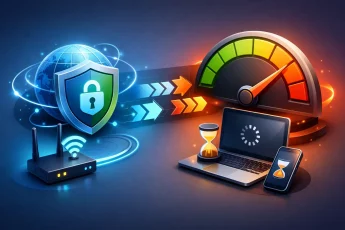
Hotspot sharing sounds simple, but there are trade-offs. Speed is the first one. Your host device is doing double duty by maintaining the VPN tunnel and rebroadcasting internet access to other devices. That can reduce performance, especially on older phones or low-power laptops.
Battery drain is another factor. A phone acting as both VPN client and hotspot can burn through power fast. For longer sessions, a plugged-in laptop or desktop is usually the better host.
Then there is compatibility. Some VPN protocols and apps play nicely with hotspot sharing. Others do not. A setup may work on one phone model and fail on another. That is why testing matters more than assumptions.
There is also the issue of DNS leaks or routing leaks if the hotspot connection is not actually passing through the VPN. If privacy is the whole point, you want proof, not hope.
How to check if your hotspot is really using the VPN
This part is non-negotiable. After you set up hotspot sharing, test the connected device.
First, check the IP address location from the device connected to the hotspot. If it matches the VPN server location, that is a strong sign the traffic is routed properly. Second, compare results with the host device. They should appear to come from the same VPN region. Third, test a few sites or apps that normally reflect local region data.
If the connected device still shows your real location, the VPN is not being shared. At that point, the answer is not to keep using it and hope for the best. It is to change the host device, adjust the sharing method, or use a VPN service built for hotspot coverage.
The easiest setup is the one built for sharing
A lot of VPN services focus on single-device protection first and treat hotspot sharing like an afterthought. That is why users end up digging through adapter menus, trying unsupported workarounds, and wasting time on setups that only half work.
A better approach is to use a VPN that treats hotspot sharing as a real feature, not a hidden possibility. BexVPN leans into that model by making protected hotspot use part of the value, not a bonus buried in settings. For users who want speed, privacy, and shareable protection without technical friction, that difference matters.
The right setup should feel direct. Connect. Share. Protect every device behind it. That is the standard people actually need.
Best use cases for hotspot VPN sharing
If you travel often, hotspot VPN sharing is one of the cleanest ways to create a private bubble around your devices. Instead of trusting hotel Wi-Fi across every screen, you can route traffic through one secure host.
If you work remotely, it helps when you need to connect a secondary device quickly without installing company-unapproved software. If you stream on devices with weak VPN support, hotspot sharing can help route traffic more consistently. And if you are a student or freelancer moving between public networks, it gives you one controlled point of access instead of a patchwork of unprotected connections.
It also helps small teams. One configured device can provide secure access for nearby devices in a temporary setup, which is practical for field work, coworking sessions, and short-term travel operations.
A few smart expectations before you start
Not every device can share a VPN through hotspot equally well. Not every VPN app is designed for it. And not every use case needs the same setup. If you want the easiest path, start with Android or Windows, verify the connection from a second device, and pay attention to speed and stability under real use.
If privacy is the priority, test everything. If convenience is the priority, choose tools built around shareable coverage. If both matter, you want a setup that does not force you to choose between control and simplicity.
The best part of learning how to share VPN through hotspot is that once it works, it changes how useful your VPN becomes. It stops being protection for one screen and starts acting like protection for your whole mobile network. That is where privacy gets practical.


Leave a Comment